Gemini rolls out new camera panel on Android
The interface is available across beta and stable channels, following its earlier introduction on iOS.
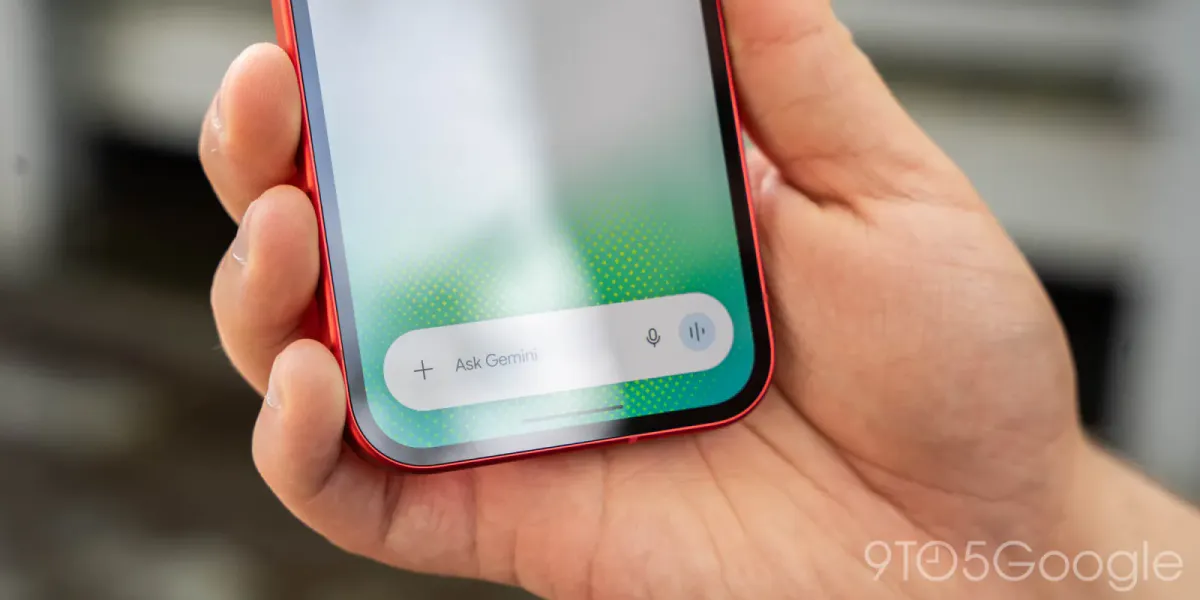
Google’s Gemini app for Android has received a camera redesign that replaces its full-screen viewfinder with an expandable panel for adding photos to prompts. The rollout is now widespread across beta and stable channels, including version 17.76+.
Accessed through the plus menu beside the prompt field, the camera opens at the bottom of the home screen or within a conversation. Dragging the panel upward enlarges it to fill most of the display, with the interface extending behind the system navigation bar.
A three-dot control next to the capture button opens options for flash settings and the front-facing camera. A back control and downward swipe both close the panel. The interface reached iOS first, while camera access through the Gemini overlay continues to use the previous design.
Separately, Google introduced GIF generation in Gemini on November 20, 2026. Powered by Gemini Omni 1.2 Flash, the feature accepts requests through a GIF selection in the Format menu or a written prompt. Google presents it as an alternative to searching for an existing GIF.