Gemini Notebook rolls out built-in recorder for Android and iOS
Audio capture can continue with the screen locked, while recordings are limited to 1-hour sessions.
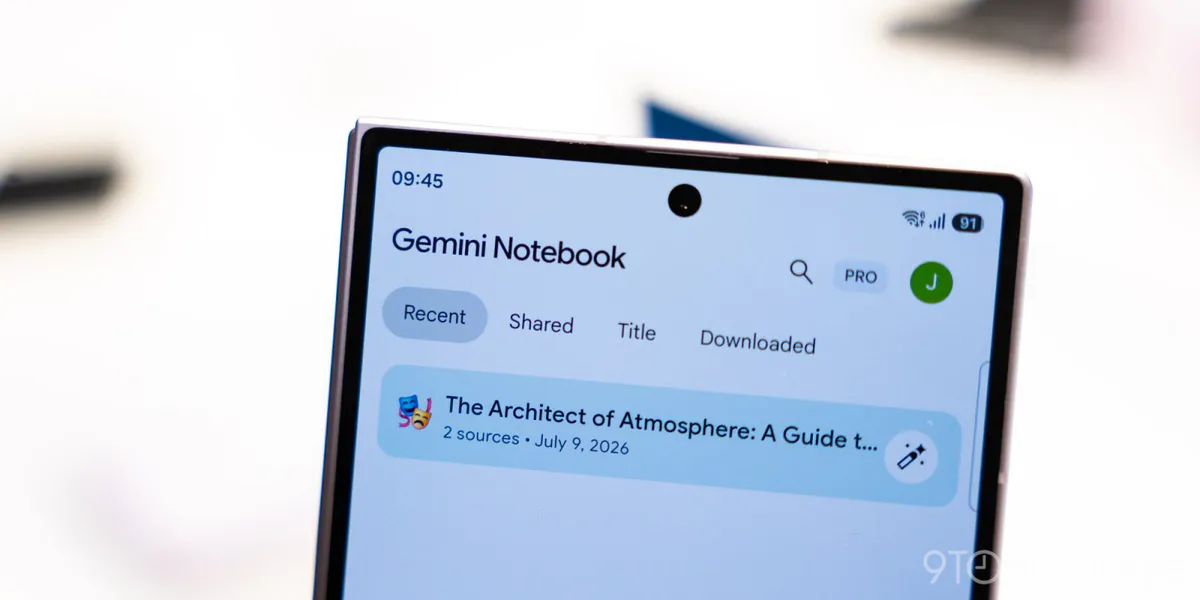
A built-in audio recorder is becoming widely available in Gemini Notebook’s Android and iOS apps. The feature, first announced by Google in September, lets users capture audio and store it as material for their notebooks.
Where users begin recording determines where the file goes. Starting through the homepage’s new microphone icon creates a separate notebook. Starting through an existing notebook’s Sources tab keeps the recording there instead. The homepage control sits between the camera and the Create New button.
During capture, the interface displays a waveform and an elapsed-time counter, along with a pause button. A checkmark ends the session and triggers the upload. Recording continues when users open another app or lock their phone, with a 1-hour capture limit.
Google has also changed the Create New button so it opens a notebook directly, without first showing the source-selection panel. Separately, the recently introduced Live button in Chat allows real-time conversations with notebooks.